Made to Measure for CMU Sites and Apps
Components and working examples that fit CMU's web template, plus a few civilizing conveniences for app developers.
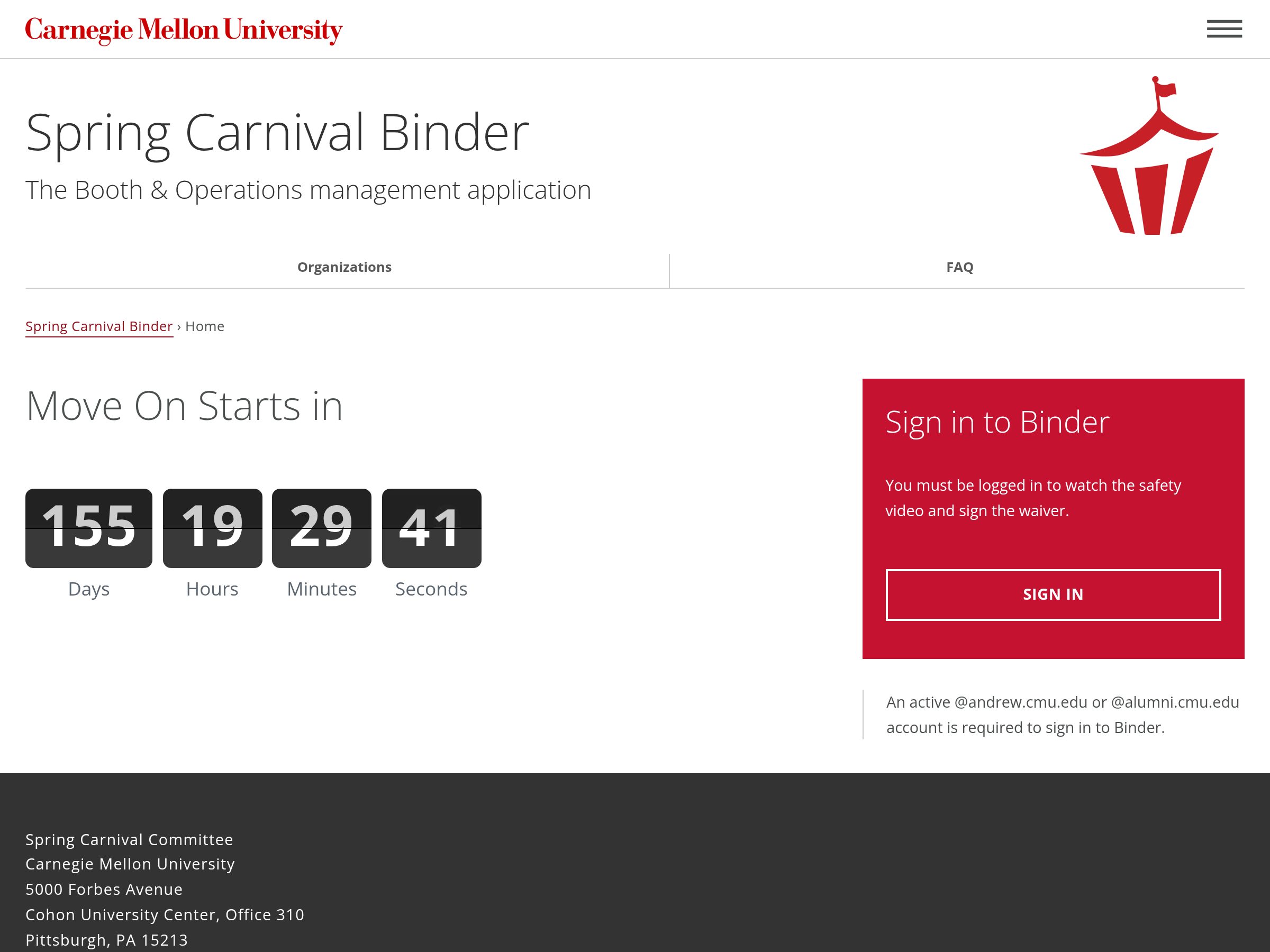
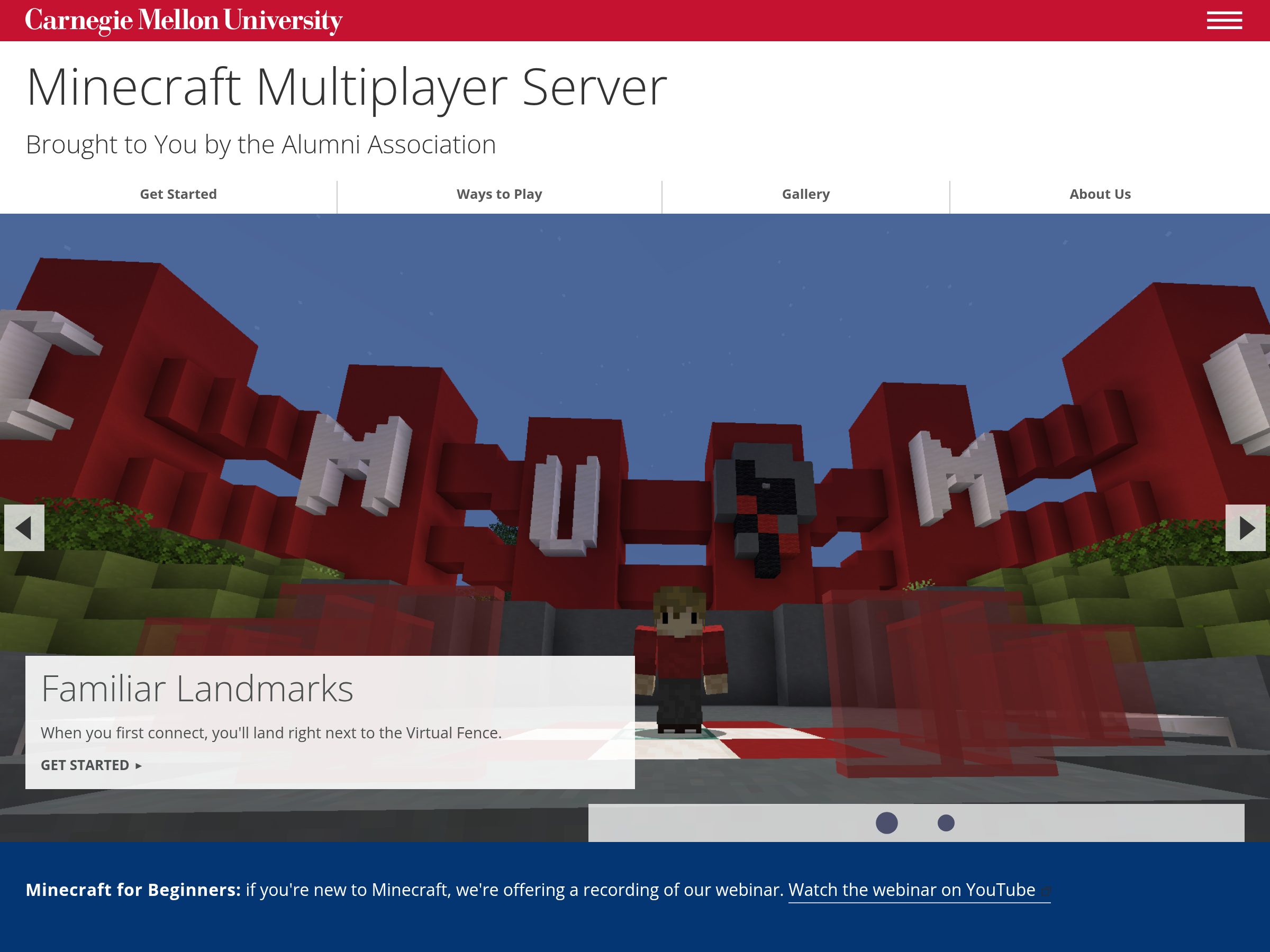
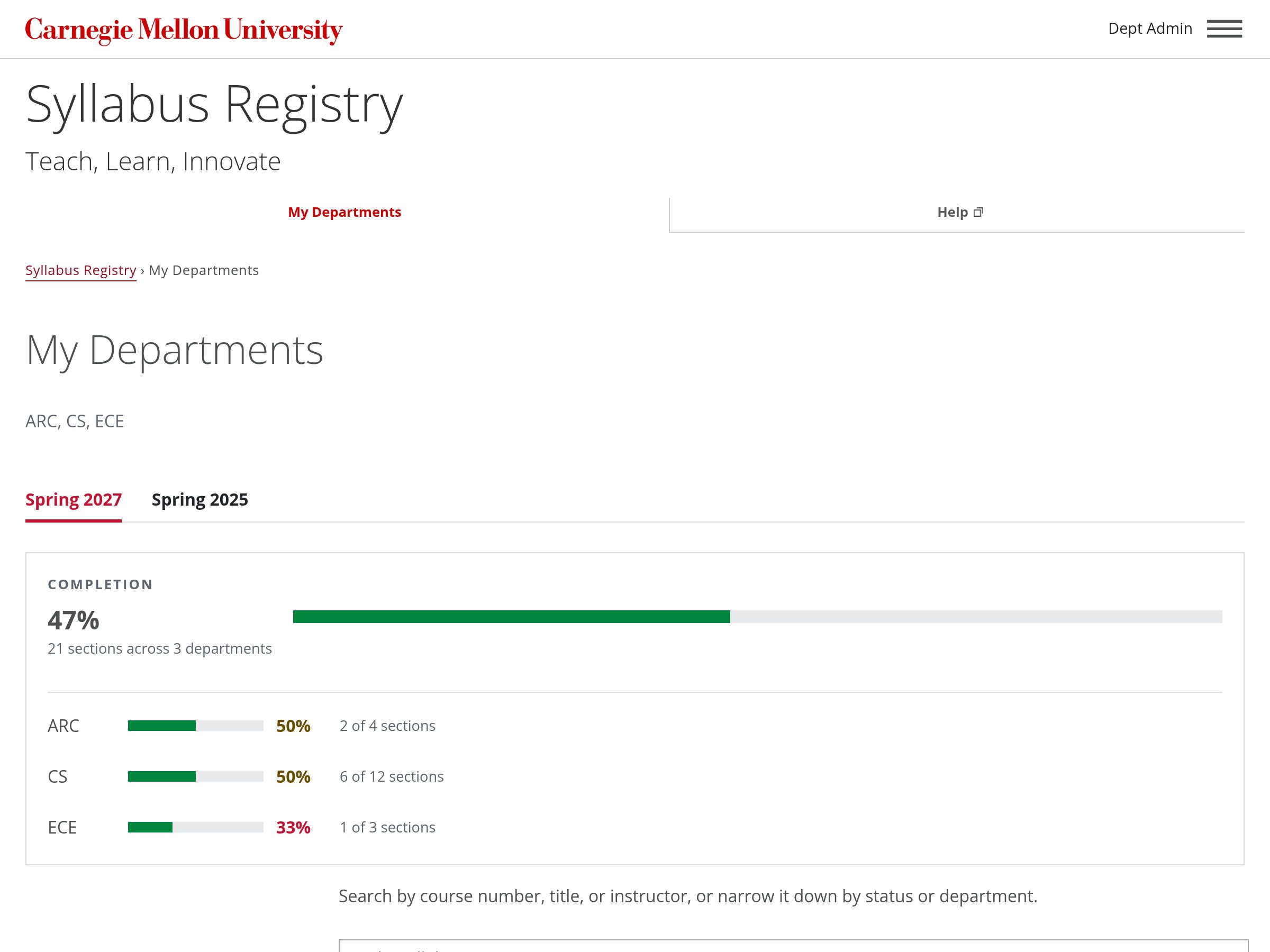
Get Started
The kit is two stylesheets and a script that go after CMU's template. Start from what you're building:
CMS site editors
Add It to Your Site
Add one line to your site's head code, in Cascade, Drupal or another CMS, then
use the components on any page.
Set Up a CMS Site
App developers
Build an App That Matches
Keep a copy of a release in your app, in Node, Django or any other stack, then
use the app components.
Set Up an App
Designers
Try an Idea
Link the kit straight from the CDN in a mockup or a one-off page, and see it in a
browser right away.
Start a Prototype
Set Up With an AI Agent
Copy the prompt into an AI coding agent in your editor or terminal, and it sets up the kit for your project.
Want to read it first? See the PromptHide the Prompt
Set up the Carnegie Mellon Web Kilt in this project. Add the kit's MCP server, https://webkilt.andrew.cmu.edu/mcp, if you can, and use its tools: get_install for this kind of project, search_components and get_component for the pages you change, get_conventions for wording, and check_html on the result. Without MCP, read https://webkilt.andrew.cmu.edu/0/install.html and https://webkilt.andrew.cmu.edu/0/kit.json instead. Load CMU's template first, then the kit, then the project's own styles. Pin the kit to its current version, keep a local copy for a production app, and use the kit's classes instead of writing new CSS for what it already has.